
The leap isn’t just cosmetic. This is where display engineering, sensor integration and software tricks intersect to give you an uninterrupted front glass surface. For buyers and upgrade-minded users, that matters for both daily use and how future accessories and apps will adapt.
Quick takeaways
-
- Apple is shipping a near full-screen front with new camera and display tricks.
-
- This model introduces different touch handling and new camera software trade-offs.
-
- Expect some app updates to accommodate the new layout, plus new repair considerations.
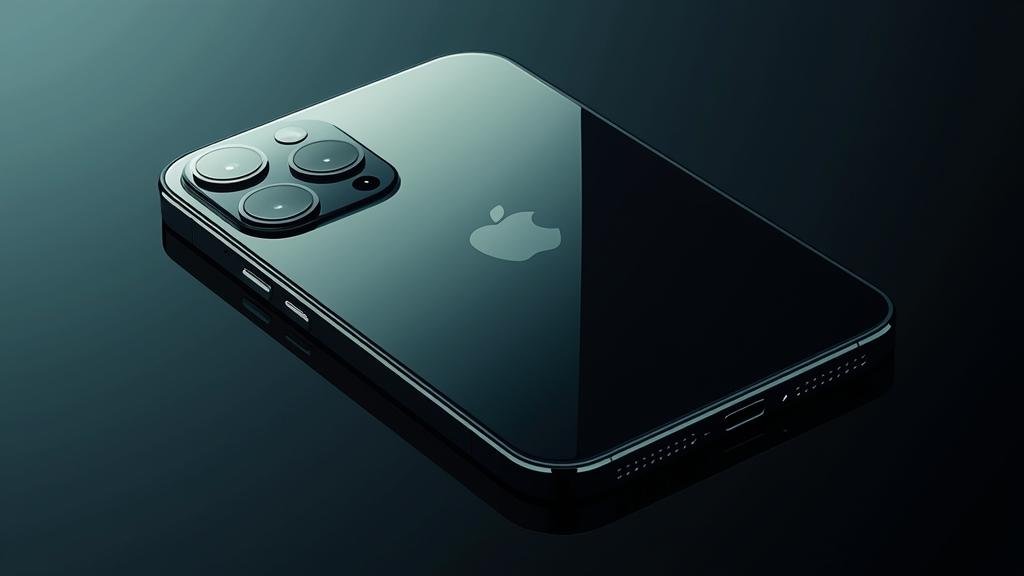
What’s New and Why It Matters
This generation focuses on delivering a seamless face with fewer visible interruptions. The company leaned into optical and sensor stacking to tuck the front camera under the glass and shrink the bezels without the flat black pill or notch interrupting the display. That reduces distraction and lets content—video, games, reading—occupy more of the surface area you actually use.
For users this changes two real things. First, the screen is visually cleaner; notifications, widgets and immersive experiences feel more continuous. Second, software must handle a subtle translucency above the hidden camera and account for slightly different touch behavior near the edges. Apps that placed consistent UI elements around the previous notch or pill will need small layout tweaks. For photographers and privacy-minded users, there’s a trade-off: the front camera is less obvious and slightly constrained by the optics under glass, which affects lighting behavior and some portrait edge detection compared with a physically exposed sensor.
Why you should care now: a full-screen front is not just cosmetic. It sets the tone for accessories (cases, mounts), how video-calling apps display participants, and what kind of repair or warranty issues you’ll face if the front glass is damaged. If you’re planning an upgrade, this model represents the moment Apple crossed over from minimal bezels to what you’d call a true full-screen experience.
Key Details (Specs, Features, Changes)
Hardware highlights include a larger usable display area with reduced bezels, a refined rear camera stack, and an updated internal architecture that supports higher thermal headroom for longer sustained performance. The display uses an advanced OLED with brighter peak output for HDR content and improved adaptive refresh handling to save battery during low-motion tasks. Expect better daylight visibility and snappier animations across the system.
Optically, the front camera now sits under the display glass. The optics use a tiny periscope-like lens and a micro-lens grid in the glass that becomes transparent when active. Sensor software compensates for diffused light and micro-reflections, applying targeted ISP corrections plus machine-learning denoise to restore contrast and edges lost by the under-glass arrangement.
What changed vs before:
Previously, the front camera lived in a visible cutout or pill that designers and developers accounted for when placing UI elements. Now that the camera hides under the glass, the visible interruption is gone but the software needs to handle a subtle translucent area. This means default system UI got adjusted to avoid placing critical elements directly over that area, while apps are given new safe-area metrics to adopt.
Previously, the exposed lens allowed slightly cleaner direct light capture. The new under-glass arrangement requires more aggressive ISP correction, which in some lighting conditions produces slightly softer edges and more aggressive smoothing. For most users the difference will be minor, but power users and photographers may notice the trade-off under certain lighting.
How to Use It (Step-by-Step)
First-time setup and daily use need a few habit tweaks. Start with the basics—restore your backup, check display and accessibility settings, then tweak camera and privacy controls. The next steps focus on getting the most from the visual real estate and the hidden front sensor.
-
- Initial setup: Power on, follow on-screen setup, restore from cloud or local backup, sign into your accounts. Pay attention to display calibration and True Tone so color rendering matches your expectation.
-
- Enable display optimization: Go into display settings and leave adaptive refresh on. It dynamically reduces refresh where apps don’t need it to save battery without making animations feel sluggish.
-
- Adjust safe-area behavior: Some apps may still place elements too close to the top edge. If you see clipped UI or buttons, check app updates first. If the app hasn’t updated, use the system Accessibility settings to increase display zoom slightly or enable larger text/buttons to avoid edge conflicts.
-
- Front camera tips: Because the camera sits under glass, avoid blocking the top center edge with thick screen protectors or heavy oil. Use the system camera app’s portrait and selfie modes—the ISP will select the optimal pipeline to compensate for the under-glass optics.
-
- Video calling: In low-light or mixed-light conditions, position light sources slightly above or to the side of your face rather than straight into the display. The micro-lens grid and ISP prefer directional lighting for better contrast recovery.
-
- Cases and mounts: Use slim-edge cases designed for this model so touch gestures near the edge remain responsive. Magnetic mounts that clamp near the center of the back work best; avoid designs that press near the top edge and add pressure to the under-glass area.
-
- Repair and handling: If you get a crack near the camera area, expect repair shops to test the camera function post-repair; the under-glass module relies on precise spacing, so prefer authorized repair if possible to keep calibration intact.
Practical examples: If you game, enable the performance mode in settings and use a low-latency display profile for competitive play; the wider uninterrupted screen improves situational awareness. For streamers, position your face slightly lower on the frame for balanced composition—automatic crop tools will adapt more reliably when the top area looks uniform. Photographers should run a quick A/B with previous-generation backs or a controlled scene to understand how the new ISP renders textures and colors before making workflow assumptions.
Finally, check for software updates that bring app-specific display adjustments. App developers are rolling out optimized layouts and small camera-processing tweaks—install updates, then test the key apps you use (video calls, social apps, preferred camera apps) to confirm behavior and tune settings accordingly.
Compatibility, Availability, and Pricing (If Known)
Availability follows Apple’s usual roll-out pattern: initial launch in primary markets then staged expansion. Carrier and unlocked models generally appear simultaneously in major regions, while some variants (colors, high-capacity storage tiers) may sell out faster. Preorder windows typically open first in the company’s primary markets, followed by a staggered global retail rollout.
Compatibility is straightforward for the accessories ecosystem but with caveats. Cases, magnetic mounts and screen protectors need to be designed for this exact front profile. Third-party accessories may lag behind at launch; opt for certified or model-specific hardware for best fit. Wireless chargers and MagSafe-style accessories will behave the same as the previous generation as long as they don’t physically interfere with the camera area on the front.
On pricing: official prices historically align with the previous Pro-tier introduction, with different storage tiers upping the MSRP. If you track trade-in or carrier incentives, those reduce upfront cost but vary widely by region and operator. If exact pricing or release dates aren’t listed for your country, wait for the official regional announcement rather than pre-ordering from unverified resellers.
Unknowns and explicit notes: If regional release dates and precise pricing haven’t been published in your area, avoid assuming availability. Apple sometimes restricts stock for specific configurations during the first two weeks. If you need a device urgently, check multiple authorized retailers and carrier promotions, and sign up for alerts from official channels.
Common Problems and Fixes
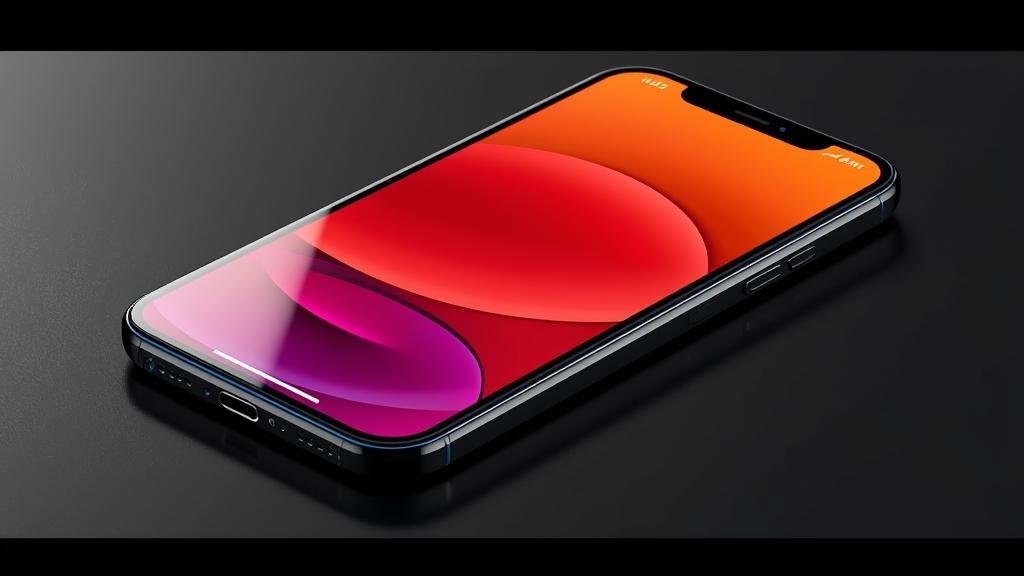
Users transitioning to the new front design may run into small but real issues. Below are common symptoms, likely causes, and clear fixes you can try at home before contacting support.
Symptom: Front camera photos look softer or over-smoothed
-
- Cause: ISP correcting for under-glass diffusion and applying stronger noise reduction in certain lighting.
- Fix steps:
-
- Update camera app and system software to latest version.
-
- Use Portrait or Pro modes where the ISP can access additional processing profiles.
-
- Increase scene lighting or move a light source slightly above your face to improve contrast; avoid direct backlighting.
-
- If persistent, run a comparison with a known reference camera and file a support ticket with sample images for diagnostic logs.
-
Symptom: Edge touch gestures feel inconsistent
-
- Cause: Case or protector interfering with touch detection near the edge, or a software calibration mismatch with system gestures.
- Fix steps:
-
- Remove the case and test gestures; if improved, switch to a slimmer case designed for this model.
-
- Toggle touch accommodations in Accessibility settings to recalibrate sensitivity.
-
- Restart the device and install any pending OS updates, as gesture handling may be improved in minor patches.
-
Symptom: App UI elements overlap the top center area
-
- Cause: App hasn’t yet adopted the new safe-area metrics or left fixed-position elements too close to the old notch location.
- Fix steps:
-
- Update the app; developers are releasing patches with layout fixes.
-
- Use system display zoom or accessibility sizing to force larger layout buffers.
-
- Contact the app developer if the issue persists; provide screenshots showing the overlap.
-
Symptom: Uneven display brightness or micro-reflections when camera active
-
- Cause: Micro-lens array and display pixel management interacting during camera activation, especially at high brightness.
- Fix steps:
-
- Lower peak brightness slightly in high-reflection environments or enable auto-brightness.
-
- Apply gentle cleaning to the front glass—oils can exaggerate micro-reflections.
-
- If hardware defect suspected, run diagnostics via the support app and contact authorized service for inspection.
-
If you exhaust these steps and problems persist, capture logs, sample media and exact reproduction steps before contacting support. That helps technicians isolate whether an issue is software-adjustable or requires hardware calibration or repair.
Security, Privacy, and Performance Notes
Security and privacy remain core to the platform. The under-glass front sensor is treated like any other camera module with on-device processing options. System-level protections ensure camera access requires explicit app permission, and indicator lights or UI cues show when the camera is active. Check camera permission lists and restrict background camera access for apps you don’t trust.
Performance-wise, the new thermal envelope and display hardware increase sustained performance in long gaming or creative sessions. That means the device can maintain higher clock speeds longer without hitting thermal throttling. On the flip side, sustained loads will still consume more battery—balance performance mode and battery-saver settings based on your needs.
Trade-offs to consider:
-
- Privacy: The camera is less visually obvious; don’t rely on the presence of a visible lens as your only privacy cue. Check app permissions proactively.
-
- Repairability: The under-glass sensor adds complexity to front-glass repairs. Unauthorized repairs risk miscalibration and degraded camera performance.
-
- Battery life: Brighter peak outputs and higher sustained performance can reduce battery longevity in heavy use. Use adaptive refresh and power modes to extend runtime.
Best practices:
-
- Audit camera and microphone permissions regularly and revoke access for unused apps.
-
- Keep system software and apps updated—developers will ship optimizations for the new front configuration.
-
- Use official or certified repair services to maintain optical calibration if the front glass suffers damage.
Final Take
This iteration is the clearest statement yet that the company prioritizes a clean front surface and seamless content immersion. The new front approach delivers a more cinematic, less interrupted display while introducing manageable trade-offs in camera optics and accessory compatibility. For everyday users the change is mostly positive: cleaner visuals, slightly different camera behavior that software quickly corrects, and a fresh look that modern apps will take advantage of.
If you plan to upgrade, test your must-have apps and accessories against the device in-store or via trial periods. Confirm service and repair policies for front-glass work, and expect app updates in the weeks after launch to smooth over the remaining edge cases. Ultimately, the move is about user experience over raw specs: a cleaner screen, smarter software, and new design expectations for the ecosystem.
Before you decide, check hands-on reviews and your carrier’s return policy. If you want to evaluate the change in person, try a demo unit and run your typical workflow—video calls, gaming, photography—to see if the improvements and trade-offs fit your use case.
Also see the company’s official notes for more on the approach: Apple iPhone 18 Pro and how the under-display approach is described in official communications: Under-display Camera.
FAQs
- Q: Will existing screen protectors work?A: Many thin protectors will, but thick or textured films can interfere with touch near the edges and camera performance. Prefer model-specific, thin tempered glass or official options.
- Q: Is front-camera quality worse than previous models?A: The sensor uses different optics and the ISP compensates for under-glass diffusion. In some lighting the image may be softer, but software modes and updates improve results quickly. For most users the difference will be small.
- Q: Should I avoid third-party repairs for a cracked front?A: If precision calibration matters to you (camera quality, edge touch), authorized repairs reduce the risk of misaligned optical stacks. Independent shops can be competent, but ask about calibration steps first.
- Q: Do apps need updating to support the new display?A: Many apps will work fine immediately, but some need layout updates to respect the new safe-area. Developers are releasing quick patches; update apps regularly to avoid UI overlap issues.
- Q: Any change to biometrics or FaceID?A: The system retains face authentication with recalibrated sensors. Face unlock behavior is similar; keep your face data enrolled and check face-ID settings during setup if you see issues.