
Under the skin there are incremental upgrades in optics and tracking that tighten immersion, and a clearer push toward mixed experiences. If you’re tracking the high-end lineup, this move signals Meta aiming at steady, practical improvements rather than a rotary-engine reboot.
Quick takeaways
-
- Slimmer, lighter chassis geared for longer sessions.
-
- Improved lenses and tracking — feels sharper and more stable.
-
- Battery and thermal tweaks trade peak power for sustained comfort.
-
- Stronger push for mixed-use apps; more focus on everyday wearability.
What’s New and Why It Matters
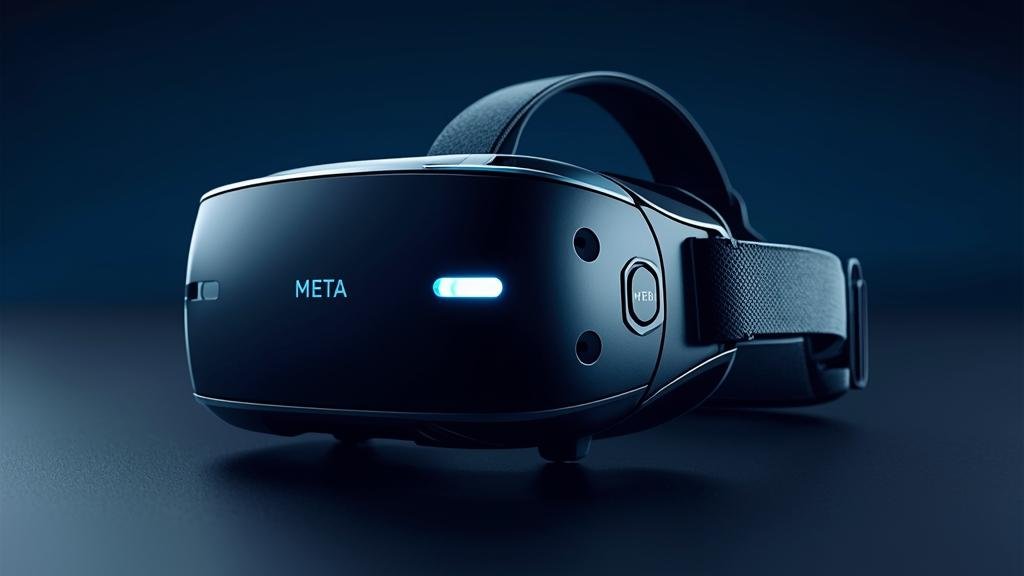
The new model pares down bulk and refines comfort. That sounds simple, but it changes how you use VR. Shorter setup friction, less fatigue, and a more portable feel make sessions longer and more spontaneous. That matters because hardware that’s easier to wear gets used more — not just for gaming but for productivity, quick social hangouts, and mixed-reality demos.
Meta is clearly designing for hybrid habits: people who will switch between a headset, a laptop, and a phone during a work block. Expect fewer “I’ll finish this later” moments and more in-and-out usage. That’s a shift in UX thinking — comfort equals more frequent, shorter sessions, not just marathon play.
Two other practical changes are important: better passthrough and tighter inside-out tracking. Passthrough feels less like an emergency escape route and more like a usable mode for overlays and notifications. Tracking improvements reduce jitter and controller drift, which directly affects comfort and immersion.
And yes, developers will notice. With a smaller, lighter headset that sustains user attention longer, app sessions and micro-transactions could shift. Meta aims to make VR not just a weekend hobby but a tool you reach for during a regular day.
For readers mapping the ecosystem, this matters because the new form factor helps VR compete with lighter mixed-reality devices while keeping VR’s immersion strength intact. If you want hands-on, extended use without the classic helmet fatigue, this is the obvious upgrade path.
Also worth noting: this release leans into enterprise and creator workflows more than past refreshes. It’s a product nudge toward everyday use — a big deal for developers and teams building productivity and collaboration tools.
Key Details (Specs, Features, Changes)
Expect a profile that shaves several millimeters from prior models. The chassis is thinner, the strap system is refined, and the face gasket uses new breathable materials. Optical upgrades include higher-pixel-density panels and a redesigned pancake lens stack to reduce weight and keep a wide field of view.
Tracking uses advanced inside-out cameras with improved low-light algorithms. That translates to fewer tracking dropouts during rapid head turns and better hand presence in mixed scenes. The controllers have tighter haptics and slightly reduced weight, which helps long sessions feel less tiring.
On the performance side, thermal throttling has been addressed via redistributed airflow and more conservative peak frequency tuning. The result: slightly lower peak benchmarks in exchange for steadier frame delivery over an hour-long session. In user terms — fewer stutters after extended play.
Battery is more about endurance than raw runtime. Expect similar or marginally better battery figures, but with smarter power profiles that favor sustained use and quick boost states for intense scenes.
What changed vs before:
Earlier models pushed peak horsepower and bulky cooling; this generation trims peaks to improve comfort and session stability. Where the previous headset felt like a performance-first device, the new one feels like “performance, tuned for wearability.”
The second change is ergonomics. Prior designs prioritized internals and facial isolation; the new design spreads that priority to portability and the ability to wear the headset for short bursts throughout the day.
Connectivity remains standard: Wi‑Fi 6E for fast streaming, USB-C with DisplayPort support for PC VR, and Bluetooth LE for accessories. Software upgrades include a refreshed interface that leans on spatial notifications and quicker app switching. There’s continued emphasis on developers supporting mixed scenes — overlays that blend 2D and 3D UI — so expect more useful passthrough apps and productivity integrations.
How to Use It (Step-by-Step)
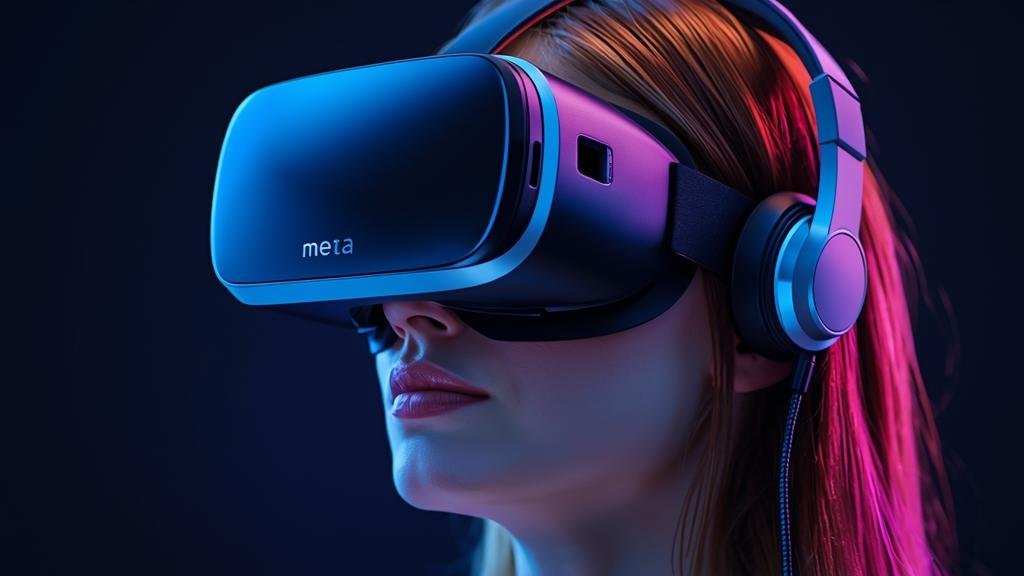
Unbox and set up in the same way you would a modern headset, but pay attention to the fit options — the new strap and gasket have micro-adjustments that make a big difference. Before you jump in, update firmware and headset software to the latest build. That first update often fixes tracking quirks out of the box.
Start by calibrating eye distance and IPD through the setup wizard. Proper IPD and focus settings reduce eye strain and maximize the clearer optics in this model. If you wear glasses, try the spacer or dedicated lens insert — the slimmer front means less room, so the inserts are often the best route.
Pair controllers via the Settings > Devices menu. If you see controller drift during pairing, run the recalibration routine in the controller settings — it’s faster than re-pairing and usually solves minor offset issues.
To connect to a PC, use a high-quality USB-C cable or Wi‑Fi streaming with the headset’s wireless link. If you stream wirelessly, pick a 5 GHz or 6 GHz access point on the same subnet and keep the router in line-of-sight for best latency.
Once running, try these practical workflows:
-
- Quick sessions: use passthrough mode to check your desk and notifications without removing the headset.
-
- Productivity: snap a 2D browser window in front of your virtual desk, then pin a 3D whiteboard to the side — switch between them with the gesture shortcuts.
-
- Gaming: enable the headset’s performance profile in Settings for maximum fidelity, or choose the endurance profile for longer sessions.
Pro tips:
-
- Use the tighter strap setting for active titles, looser for reading or passive content to reduce pressure points.
-
- Keep the face gasket and strap dry and clean — small sweat buildup changes fit and tracking over time.
-
- Update controller firmware whenever available; haptic tweaks arrive frequently and improve feel.
Remember to explore the third-party mixed-reality utilities. They take advantage of passthrough and spatial anchors to overlay information on the real world. These tools make the headset useful beyond gaming and show the practical side of integrated mixed workflows.
Also, if you’re a developer, run your apps through a one-hour continuous session test. The new thermal profile favors sustained loads, and you’ll quickly see whether your app spikes power and triggers throttling.
Finally, use this device to reevaluate how you schedule VR time. Shorter, frequent sessions play to its strengths more than marathon runs where the weight difference becomes less meaningful.
Compatibility, Availability, and Pricing (If Known)
Compatibility is straightforward: the headset supports native apps from the official store and PC VR via wired link or wireless streaming. Accessories that work over standard USB-C or Bluetooth should remain compatible, but physical-fit cases and third-party head straps may need new form factors due to the slimmer chassis.
As for availability, Meta tends to stagger launches by region. If you’re outside major launch markets, expect a rolling rollout and regional inventory limits early on. Preorders often include accessory bundles, so watch official channels for those deals if you want lens inserts or pro straps on day one.
Pricing is typically positioned above the mainstream consumer models and below ultra-premium enterprise rigs. Exact MSRP can vary by configuration — storage and bundled accessories affect the total. If Meta follows recent patterns, there will be at least two SKUs: a base consumer tier and a pro/expanded storage option.
If specific pricing or release dates are unknown for your region, don’t guess. Check Meta’s official storefront or authorized retailers for confirmed shipping dates. Trade-in, upgrade, and financing options sometimes appear in the weeks after launch and can reduce effective cost.
Note on accessories: watch for new third-party face gaskets and travel cases created for the slimmer silhouette. Some legacy accessories may fit poorly. Also note that enterprise licensing, if offered, often includes priority support and bulk discounts — useful for teams deploying these devices across an office or lab.
Common Problems and Fixes
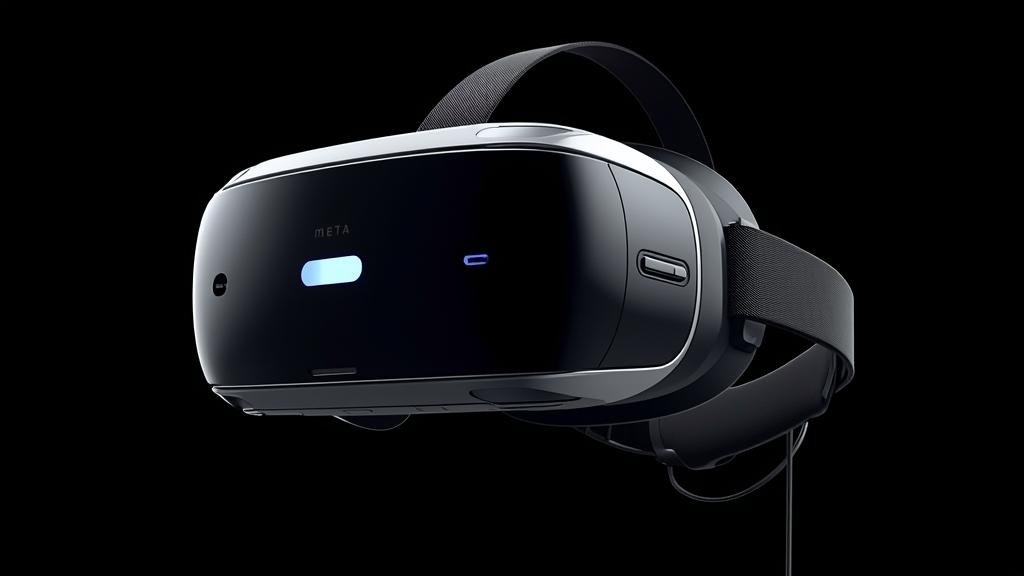
Real-world troubleshooting matters. Below are common symptoms, likely causes, and step-by-step fixes that actually work in the field.
Symptom: Headset fogging or skin pressure after 20–30 minutes.
-
- Cause: Tighter fit combined with warmer gasket materials and reduced ventilation compared to bulkier units.
- Fix steps:
-
- Loosen the strap slightly and move the position of the headset along the forehead — small shifts change airflow.
-
- Use the breathable gasket insert if included, or swap to a perforated third-party insert designed for moisture wicking.
-
- Take a five-minute air break every 30–40 minutes to let the foam dry and cool.
-
Symptom: Controller jitter or drift during play.
-
- Cause: Magnetic interference from nearby devices or miscalibrated sensors after transport.
- Fix steps:
-
- Restart the headset and run the controller recalibration utility in Settings → Devices.
-
- Move away from metal desks, monitors with strong magnets, or other wireless transmitters and retest.
-
- Replace controller batteries if readings are low — voltage sag causes inconsistent sensor behavior.
-
Symptom: Passthrough latency or frame drops when streaming from PC.
-
- Cause: Network congestion, weak Wi‑Fi signal, or router configuration issues.
- Fix steps:
-
- Switch to a direct USB-C wired link to isolate whether wireless is the issue.
-
- If using Wi‑Fi, move the router closer or use a dedicated 5 GHz/6 GHz SSID; ensure the PC is wired to the router via Ethernet.
-
- Lower streaming resolution or select a lower-latency encoding preset in the streaming app.
-
Symptom: App crashes after long sessions.
-
- Cause: Thermal throttling or memory leaks in the app.
- Fix steps:
-
- Monitor system thermal warnings; if throttling occurs, enable the endurance profile and reduce peak settings.
-
- Close background apps and restart the headset before heavy workloads.
-
- Report reproducible crashes to the app developer with logs — many are solvable in software.
-
These are the most frequent issues new users report in the first weeks. The fixes above solve the majority of cases; if problems persist, check official support or warranty channels for hardware diagnostics.
Security, Privacy, and Performance Notes
Privacy practices are a live concern. Passthrough cameras and inside-out tracking mean the headset collects continuous environmental data. If you use mixed-reality overlays for work, treat the headset like a camera-enabled device: audit app permissions and limit who can access passthrough streams and saved spatial anchors.
Performance tradeoffs are explicit. The new thermal and power tuning favors endurance. That’s good for sustained apps but means peak benchmark figures aren’t the whole story. If you need burst compute for advanced rendering or heavy ML features, expect slightly reduced peaks compared to earlier power-hungry models.
On network security, using Wi‑Fi streaming expands the attack surface. Use secure networks, strong WPA3 passwords, and keep firmware up to date. If you’re deploying multiple headsets in an office, isolate them on a VLAN and use enterprise-grade authentication to prevent unauthorized pairing or streaming.
Biometric data and account links: the device integrates with account systems for purchases and social features. Minimize saved payment methods if you share the device, and enable lock screens or PINs where available. For enterprise deployments, enforce SSO and device management policies to centrally control updates and installed apps.
Finally, be mindful of physical privacy: passthrough recording features may be used in demos or bug reports. Always ask permission before capturing passthrough or mixed scenes that include other people or private spaces.
Final Take
The new headset sets a practical, comfort-first direction for mainstream VR. It’s not a radical technical leap — it’s a thoughtful one. If your priority is making VR a daily tool instead of a weekend event, this update moves the needle. For creators and workplaces, the slimmer form factor plus steadier thermal behavior equals more reliable session times and fewer user complaints about comfort.
For buyers, weigh use case: choose the new unit for frequent, shorter sessions and mixed workflows; if you need absolute peak GPU performance for hardcore rendering, a different setup might still fit better. Remember to update firmware, use the recommended inserts, and test your apps under sustained load.
If you want to read a hands-on breakdown and see how the new form factor changes developer workflows, check out Meta Quest 4 Pro and explore the mixed-reality design notes over at Augmented Reality. Try one session on the endurance profile and one on the performance profile before you decide which suits your routine — that quick test tells you more than any spec sheet.
FAQs
-
- Q: Will my old Quest accessories fit?
A: Some will, some won’t. Slimmer fronts and different gasket shapes mean cases and face plates may not fit. Check manufacturer notes before buying add-ons.
- Q: Will my old Quest accessories fit?
-
- Q: Is battery life better?
A: It’s comparable but smarter. Expect similar runtimes with more consistent performance during long sessions thanks to tuned power profiles.
- Q: Is battery life better?
-
- Q: Can I use it for enterprise deployments?
A: Yes. It’s better for enterprise thanks to comfort and stable thermal behavior. Use device-management tools and enterprise licensing where available.
- Q: Can I use it for enterprise deployments?
-
- Q: Does passthrough replace dedicated AR glasses?
A: Not yet. Passthrough is useful for overlays and mixed tasks, but dedicated AR glasses still win for lightweight, always-on see-through use. This headset narrows the gap for immersive mixed workflows.
- Q: Does passthrough replace dedicated AR glasses?
-
- Q: How do developers optimize for the new thermal profile?
A: Test apps in sustained sessions, avoid sudden power spikes, and profile memory and CPU use. Target steady frame delivery over brief benchmark peaks for the best end-user experience.
- Q: How do developers optimize for the new thermal profile?