
What’s New and Why It Matters
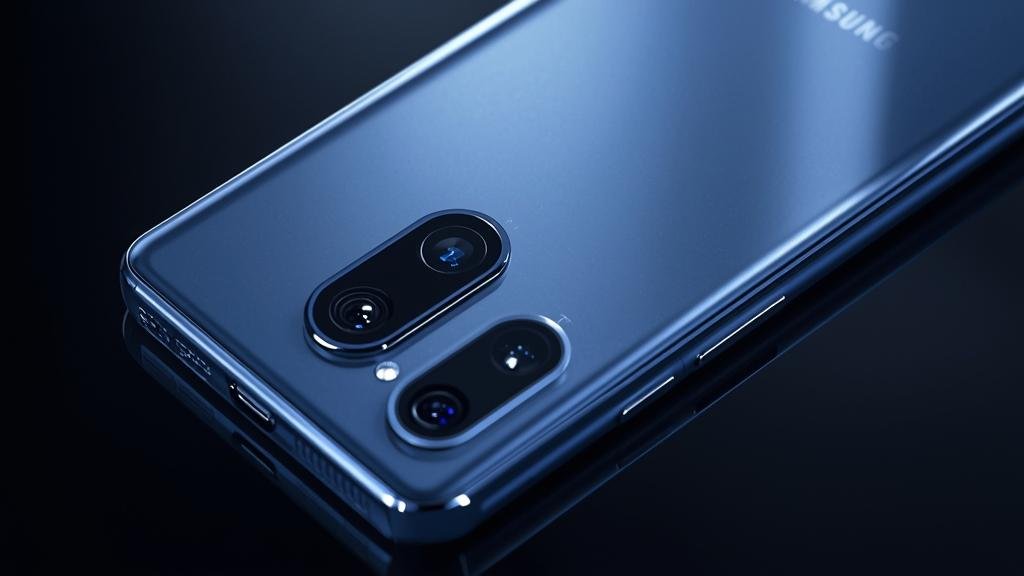
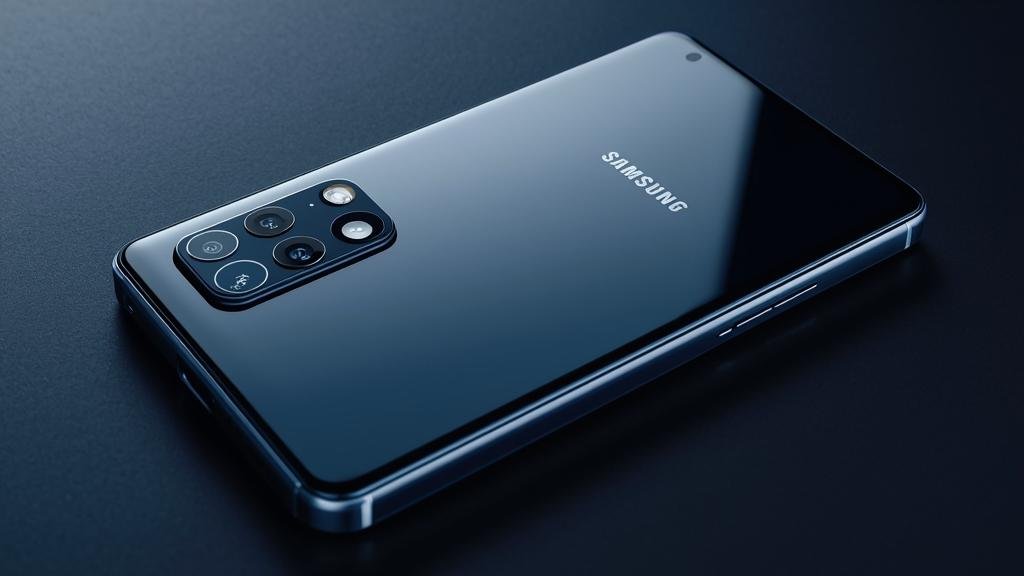
The 2026 camera race just kicked off with a bang: rumors point to Samsung Galaxy S26 testing a 400MP main sensor for its next flagship. If true, this would be the biggest leap in mobile photography since computational HDR went mainstream. Leaks suggest a high‑resolution ISOCELL sensor with advanced pixel‑binning, a wider dynamic range, and a new AI pipeline tuned for low light and motion.
For users, the headline isn’t just the number. It’s about detail retention, lossless zoom crops, and cleaner night shots without the watercolor look. For creators, it means 8K video with richer detail and more flexible reframing. For everyday shooters, it means better portraits, sharper landscapes, and less time editing.
Quick takeaways
-
- 400MP rumors are credible, but the real magic is binning and AI processing.
-
- Expect better detail, cleaner crops, and improved low-light performance.
-
- 8K video should get a detail bump and better stabilization.
-
- Thermals and storage will be key; expect new cooling and UFS 4.1.
-
- Launch likely H1 2026; pricing likely similar to S25 Ultra tier.

On the software side, Samsung’s new AI camera stack is rumored to add scene-aware noise reduction, subject motion prediction, and multi-frame HDR that prioritizes faces and sky. That means fewer blown highlights and fewer noisy shadows in the same shot. The S Pen should remain, and satellite messaging may expand to more regions. If you’re upgrading from an older Galaxy, the jump in detail and speed will be obvious.
For the camera-curious, the Samsung Galaxy S26 is shaping up to be a flagship that leans hard into resolution and AI. Meanwhile, early S26 Ultra Specs leaks hint at a Snapdragon 8 Elite 2 (or equivalent), a 5,000+ mAh battery, and a flatter display for better S Pen tracking. We’ll confirm as more official details surface.
Key Details (Specs, Features, Changes)
The headline change is the rumored 400MP main camera. In practice, you’ll likely shoot 12.5MP or 50MP binned modes by default, with a 200MP mode for high-detail scenes. Pixel‑binning (combining multiple pixels into one) increases light sensitivity and reduces noise, while the high‑resolution mode preserves fine textures for cropping. Expect a larger sensor size than the S25 Ultra to maintain pixel pitch and avoid excessive noise.
Compared to the S25 Ultra, the S26 should improve in three areas: detail capture, low‑light clarity, and motion handling. The S25 Ultra already excelled at 10x optical‑quality zoom via cropping; the S26 should push that further, delivering cleaner 20x–30x hybrid zoom. Video should see less rolling shutter and better stabilization thanks to faster readout and improved EIS. If you shoot sports or pets, the difference should be noticeable.
What changed vs before: The S25 Ultra relied on a 200MP main sensor with solid binning but limited headroom for extreme crops. The S26’s rumored 400MP pipeline adds smarter multi‑frame stacking and AI denoising, which should cut artifacts and preserve edges. Battery life should remain strong; while capacity may stay around 5,000 mAh, efficiency gains from the new chip and One UI 8 optimizations should offset the heavier pixel load.
What changed vs before (continued): Thermals are a key focus. A 400MP sensor generates huge raw buffers, so Samsung is reportedly using a vapor chamber plus graphene layers to keep heat down during long 8K sessions. Storage speeds should improve with UFS 4.1, reducing write bottlenecks when shooting burst RAW. Expect new AI editing tools in the Gallery app: sky relight, subject cutout, and AI deblur tuned for the high‑res pipeline.
How to Use It (Step-by-Step)
Follow these steps to get the most from the rumored 400MP camera on the Samsung Galaxy S26. These tips assume the new AI pipeline and high‑res modes; your exact UI may vary at launch.
-
- Step 1: Pick the right resolution. Open Camera > Settings > Resolution. For everyday shots, choose the binned 12.5MP or 50MP mode for best low‑light. For static scenes with fine detail (landscapes, architecture), switch to 200MP or the rumored 400MP mode.
-
- Step 2: Use the AI scene optimizer. Enable Scene Optimizer and Motion Forecast. In low light, keep Night Mode Auto; the new pipeline should stack fewer frames with less blur. For moving subjects, use “Action” mode to prioritize faster shutter speeds.
-
- Step 3: Nail your zoom workflow. At 3x–5x, use the dedicated telephoto lens. At 10x–30x, let the AI upscale from the high‑res main sensor. Avoid digital zoom beyond 50x unless the subject is static; detail will drop quickly.
-
- Step 4: Shoot RAW when it matters. Enable Pro RAW. The 400MP sensor will produce huge files; shoot 12‑bit RAW for maximum headroom. Use burst mode sparingly to avoid buffer stalls. Pair with UFS 4.1 storage for faster writes.
-
- Step 5: Manage thermals for long sessions. For 8K60 recording, keep the phone shaded and remove the case if overheating. Disable background sync and use a power bank if needed. Expect a “High Temp” warning if the chamber saturates.
-
- Step 6: Edit smart in Gallery. Use AI Relight for sky and faces, AI Deblur for motion shots, and Super HDR preview. For crops, use the high‑res mode first, then downscale for sharper edges. Save edits as copies to preserve originals.
-
- Step 7: Use the S Pen for precision. With a flatter display, the S Pen should be more accurate for masking and fine edits. Try the new “Pen Crop” tool to select and isolate subjects quickly.
Real‑world example: On a night city walk, shoot at 50MP with Night Mode Auto. Use the telephoto for street signs, then crop a 200MP shot for a billboard detail. In Gallery, apply AI Relight to balance neon highlights and shadowed faces. If a subject blurs, run AI Deblur once and export. If you need to share quickly, use 12MP mode to keep file sizes small. For pro work, export RAW to Lightroom and downscale to 30MP for a sharp, manageable file.
Another tip: When shooting pets, switch to Action mode and pre‑focus. The motion prediction should keep whiskers and fur sharp. For landscapes, shoot 200MP in daylight, then use the new “Detail Preserve” slider to control sharpening. If you plan to print, export at 300 DPI using the high‑res file. For social, a 12MP export looks cleaner after AI denoise. And remember, the S26 Ultra Specs will dictate which modes are available; some features may be region‑locked or require a firmware update.
Compatibility, Availability, and Pricing (If Known)
At this stage, most details are based on credible leaks and prior patterns. Samsung typically unveils its S‑series in Q1 or Q2. If that cadence holds, the Samsung Galaxy S26 could arrive in early 2026. Regional rollouts usually follow within weeks, with preorders shipping quickly for flagship tiers.
Compatibility should be broad. Expect support for Wi‑Fi 7, 5G Sub‑6 and mmWave (region‑dependent), and Bluetooth 5.4. If you use Samsung DeX, the new chip should improve desktop performance. For stylus users, S‑Pen compatibility should continue, with improved latency on the flatter panel. If you rely on satellite messaging, check carrier support; availability may vary by country.
Pricing is unknown, but Samsung has kept Ultra tiers in the same bracket year over year. If a 400MP sensor and new cooling add cost, a modest bump is possible. Storage tiers will likely start at 256GB, with 512GB and 1TB options. Carrier deals and trade‑in credits will affect out‑of‑pocket. We’ll update when Samsung posts official S26 Ultra Specs and pricing.
Common Problems and Fixes
- Symptom: Camera app stutters when switching to 400MP mode.
Cause: High memory and compute load; background apps competing.
Fix: Close background apps. Clear Camera app cache. Disable battery saver while shooting high‑res. Restart before a long session. - Symptom: Photos look oversharpened or “crunchy.”
Cause: Aggressive AI sharpening in default mode.
Fix: Reduce “Detail Preserve” in settings. Shoot 50MP binned. Use RAW and apply gentle sharpening in post. - Symptom: Phone overheats during 8K60 recording.
Cause: High‑res sensor and sustained encode load.
Fix: Remove case, keep shade, disable 5G if unused. Drop to 4K60 for longer takes. Use a cooled power bank. - Symptom: Buffer fills quickly in burst RAW.
Cause: Huge file sizes and storage write limits.
Fix: Use UFS 4.1‑compatible storage. Shoot shorter bursts. Enable “Speed Priority” in Pro RAW settings. - Symptom: Zoom beyond 30x looks soft or painterly.
Cause: Physics of optics; digital upscaling limits.
Fix: Use the tele lens for 3x–10x. For 30x+, stabilize the phone and shoot in bright light. Apply light AI sharpening in Gallery.
Security, Privacy, and Performance Notes
Higher resolution means larger files and more metadata. That can increase exposure if your phone is lost or stolen. Use strong lock screen credentials, enable full‑disk encryption, and turn on Samsung’s Secure Folder for sensitive shots. Consider disabling biometric unlock in high‑risk environments, and keep Find My Device active with remote wipe enabled.
AI features may upload limited data for processing. Check Settings > Privacy > AI Data Processing to see what’s sent to the cloud. If you prefer on‑device only, toggle “Process on Device” where available. Note that some advanced tools may be slower or unavailable without cloud assist. For pro workflows, keep RAW files local and avoid syncing unedited high‑res images to public cloud by default.
Performance tradeoffs are real. The 400MP pipeline is demanding; expect higher thermals and battery drain during intensive shoots. Use adaptive battery and thermal guardians to throttle background tasks. Keep firmware updated for stability fixes. If you edit often, pair the phone with a USB‑C SSD for offloading files and freeing internal storage. Finally, review app permissions regularly and revoke camera/mic access for apps that don’t need it.
Final Take
The 400MP rumor is exciting, but the real win is how Samsung combines binning, AI, and thermals to make high‑res usable day to day. If the Samsung Galaxy S26 delivers on these fronts, expect cleaner crops, better night shots, and smoother 8K for creators. For most users, the 50MP binned mode will be the sweet spot, with the 200MP/400MP modes reserved for detail‑heavy scenes.
Before you upgrade, wait for official S26 Ultra Specs and hands‑on tests. If you shoot a lot of action or low‑light, this could be a meaningful jump. If you’re happy with your current Ultra, you can safely skip unless the new AI tools and zoom quality matter to your workflow. Watch for launch bundles and trade‑in promos to soften the price.
FAQs
1) Is the 400MP camera confirmed?
No. It’s a credible rumor based on supply chain leaks and Samsung’s prior high‑res work. Expect official confirmation at launch, with details on binning and modes.
2) Will 400MP photos be huge?
Yes, if you shoot full resolution. Default modes will bin down to 12.5MP or 50MP for manageable sizes. Use 200MP/400MP only when detail is critical.
3) Does this improve low‑light?
Indirectly. Larger pixel pitch via binning and better AI stacking should reduce noise. It won’t replace a bigger sensor, but it should beat the S25 Ultra in most scenes.
4) Will it record 8K60 without overheating?
Likely yes for short sessions, thanks to improved cooling. Long takes may still trigger thermal throttling; plan breaks or drop to 4K60 for extended shoots.
5) Should I upgrade from the S25 Ultra?
If you need better detail, cleaner zoom, and faster AI tools, yes. If your current phone meets your needs, wait for real‑world reviews and pricing.