
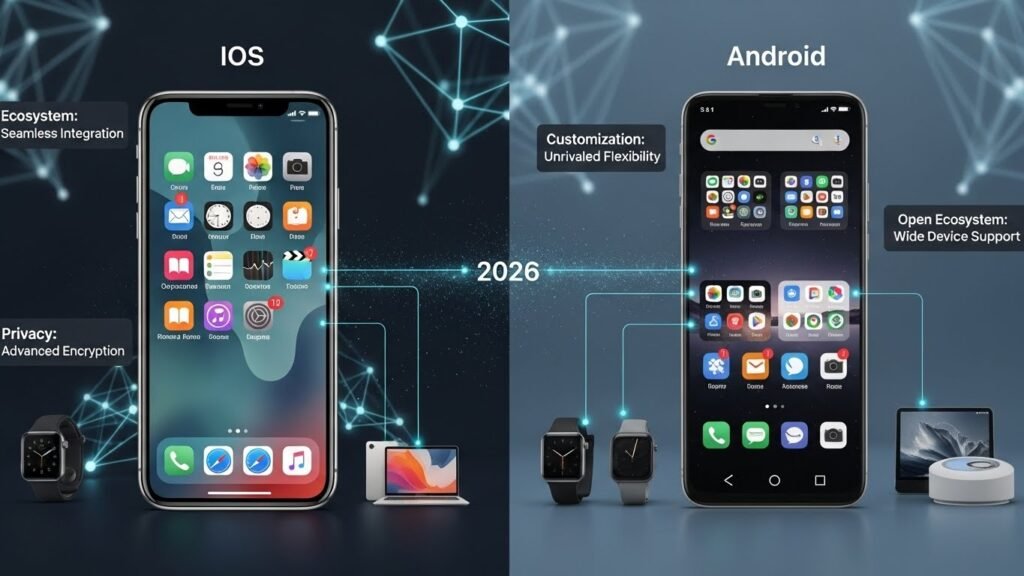
The Convergence of 2026: Two Giants, One Goal
When comparing iOS vs Android privacy features 2026, the biggest question is simple: which platform actually protects your personal data better? With rising tracking technologies, AI-powered ads, and deeper app integrations, smartphone privacy matters more than ever. In this guide, we break down real privacy controls, permission systems, encryption methods, and tracking protection on both platforms — so you can clearly see which operating system offers stronger security and better data control in everyday use.
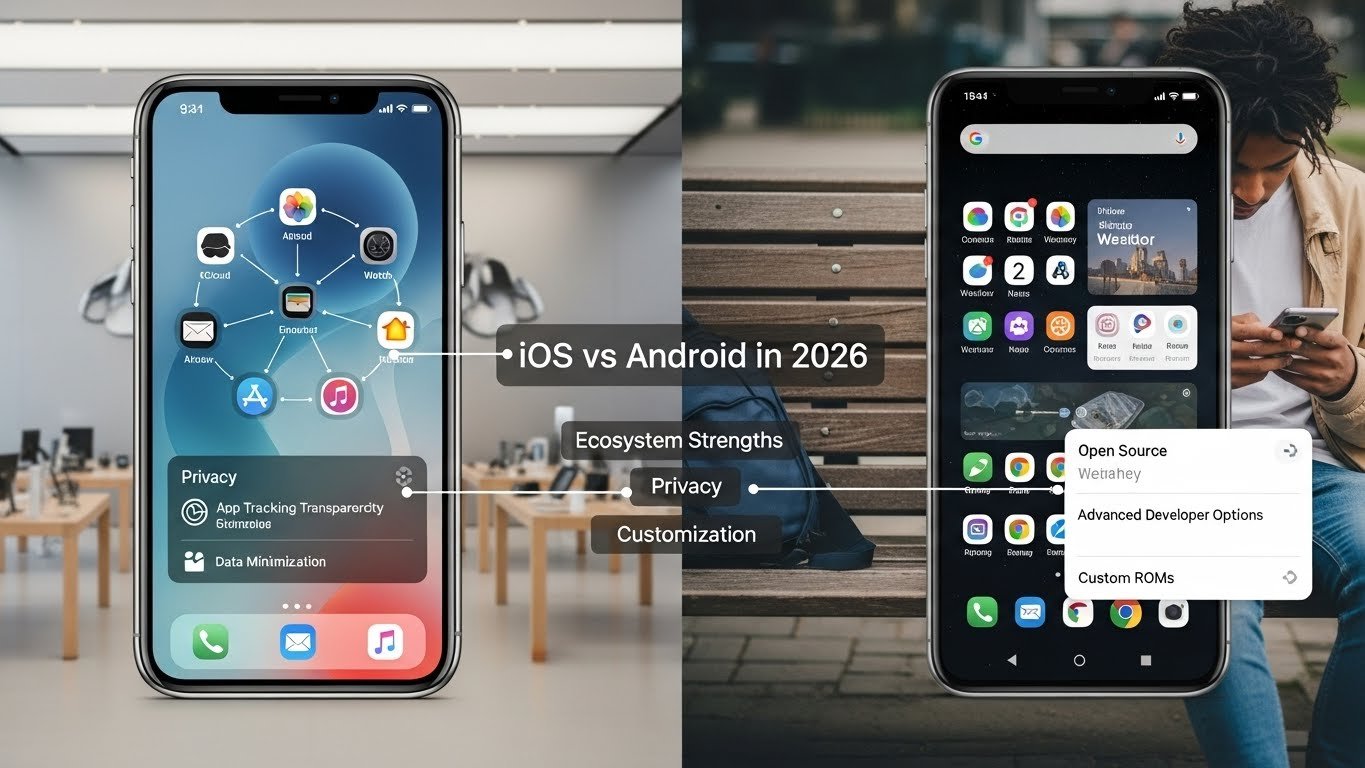
Ecosystem Strengths: The Walled Garden vs. The Open Plains
iOS: The Seamless Fortress
Apple’s ecosystem remains the gold standard for continuity. In 2026, the integration between the iPhone, Mac, iPad, and the mature Vision Pro headset is seamless. Features like Universal Control and Handoff have expanded; you can now drag a file from your iPhone directly onto your Vision Pro workspace or answer a call on your Mac with zero latency.
A major shift in 2026 is the reduction of the “Green Bubble” stigma. With Apple finally adopting RCS (Rich Communication Services), texting between iPhone and Android users now supports high-quality media, typing indicators, and read receipts.[374][386] While the bubbles may still be green, the functionality gap has closed, removing one of the biggest social pressure points for switching to iOS.
Android: The Connected Web
Android’s strength lies in its “Open Ecosystem” approach. In 2026, Google has perfected Link to Windows, making the connection between an Android phone and a Windows PC almost as seamless as the Mac-iPhone link. You can run Android apps on your PC desktop, drag-and-drop files instantly, and sync clipboards without third-party tools.[384]
Furthermore, the EU’s Digital Markets Act (DMA) has forced increased interoperability, benefiting Android users globally. The ability to cast media to non-Google devices and easier file sharing between platforms has made Android the pragmatic choice for users who don’t want to buy their entire tech stack from a single company.[377][383]
Privacy and Security: Two Different Vaults
iOS: On-Device Fortress
Apple continues to market privacy as a luxury product. In 2026, Apple Intelligence runs predominantly on-device, processing Siri requests, photo analysis, and text generation without data ever leaving your phone. For the ultra-paranoid, Lockdown Mode has evolved into a usable daily setting for high-risk individuals, restricting web technologies and message attachments to prevent spyware attacks.[385]
Advanced Data Protection (end-to-end encryption for iCloud) is now a standard expectation, ensuring that even Apple cannot access your backups, photos, or notes.[373][385]
Android: The Privacy Sandbox
Google’s approach is different. With the full rollout of the Privacy Sandbox on Android, Google has successfully deprecated third-party cookies and individualized tracking IDs in favor of “Topics API.” This allows advertisers to show relevant ads based on broad interest groups stored on your device, rather than tracking your specific browsing history across the web.[379]
Android 16 has also introduced stricter Work Profiles for everyone, not just enterprise users. This allows you to completely isolate your “Work” apps and data from your “Personal” life, creating a digital firewall on a single device—a feature iOS still struggles to match in flexibility.[385]
Customization: The Roles Have Reversed
Android 16: Desktop Power
The headline feature for Android in 2026 is the mature Desktop Mode. Connect your Pixel or Galaxy to a monitor, and it transforms into a legitimate PC interface with windowed apps, a taskbar, and mouse support. This is baked directly into Android 16, not just a Samsung DeX exclusive anymore.[372][384]
“Material You” has also evolved. The theming engine now applies not just to colors but to icon shapes, widget behaviors, and even font styles system-wide, giving users total aesthetic control without needing a third-party launcher.[369]
iOS 20: Controlled Freedom
Apple has finally embraced customization, but in its own way. iOS users can now place icons anywhere on the grid (a revolution for iPhone users, old news for Android), tint app icons to match wallpapers, and swap out Lock Screen controls.[369][381] However, the “Launcher” concept essentially doesn’t exist on iOS; you can change the look, but you cannot fundamentally change the behavior of the home screen interface like you can on Android.
Verdict: The 2026 Decision Matrix
Choose iOS if:
- You already own a Mac or iPad and value seamless workflow above all else.
- You prefer “set it and forget it” privacy features like Lockdown Mode and Advanced Data Protection.
- You want a phone that retains its resale value significantly longer.
- You rely on Apple-exclusive services like FaceTime (though links work elsewhere) or Find My network for AirTags.
Choose Android if:
- You use a Windows PC and want deep integration with your phone.
- You want your phone to double as a desktop computer via Android Desktop Mode.
- You prefer a foldable device (Samsung, Pixel, OnePlus) or varied hardware form factors.
- You want true file system access to manage files without jumping through “Share Sheet” hoops.