
Your Pixel Gets Better With Age: The Feature Drop Strategy
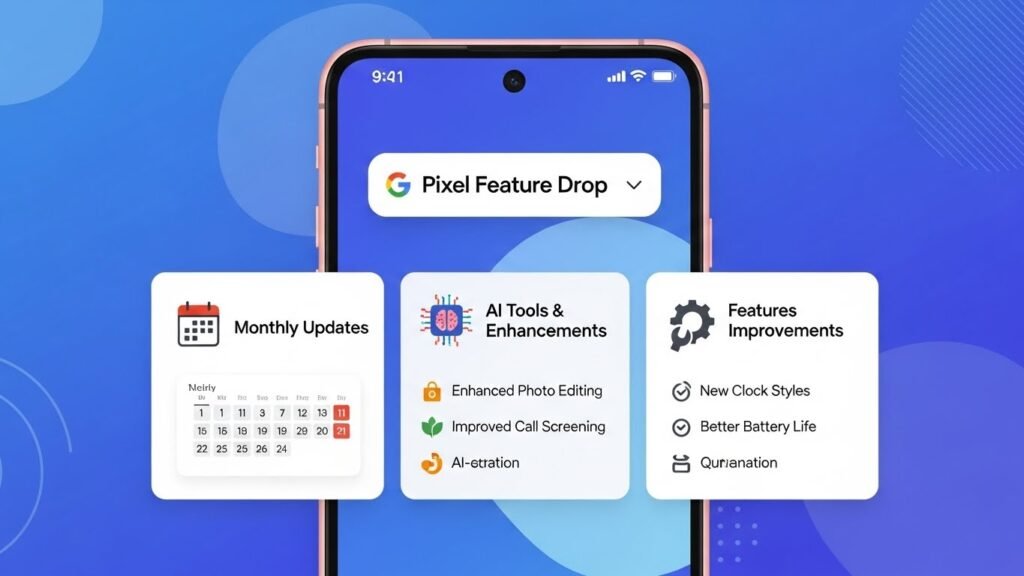
Buying a smartphone usually means the software experience you get on day one is the best it will ever be. Google flips this dynamic with Pixel Feature Drops. Unlike standard Android updates that fix bugs or patch security holes, Feature Drops introduce entirely new capabilities—new camera modes, smarter AI tools, and system improvements—delivered directly to your device every quarter.
For Pixel owners in 2026, understanding this schedule helps you get the most out of your hardware. This guide explains how these drops work, breaks down the massive December 2025 update, and clarifies the difference between a “security patch” and a “feature drop.”
Feature Drops vs. Security Updates: What’s the Difference?
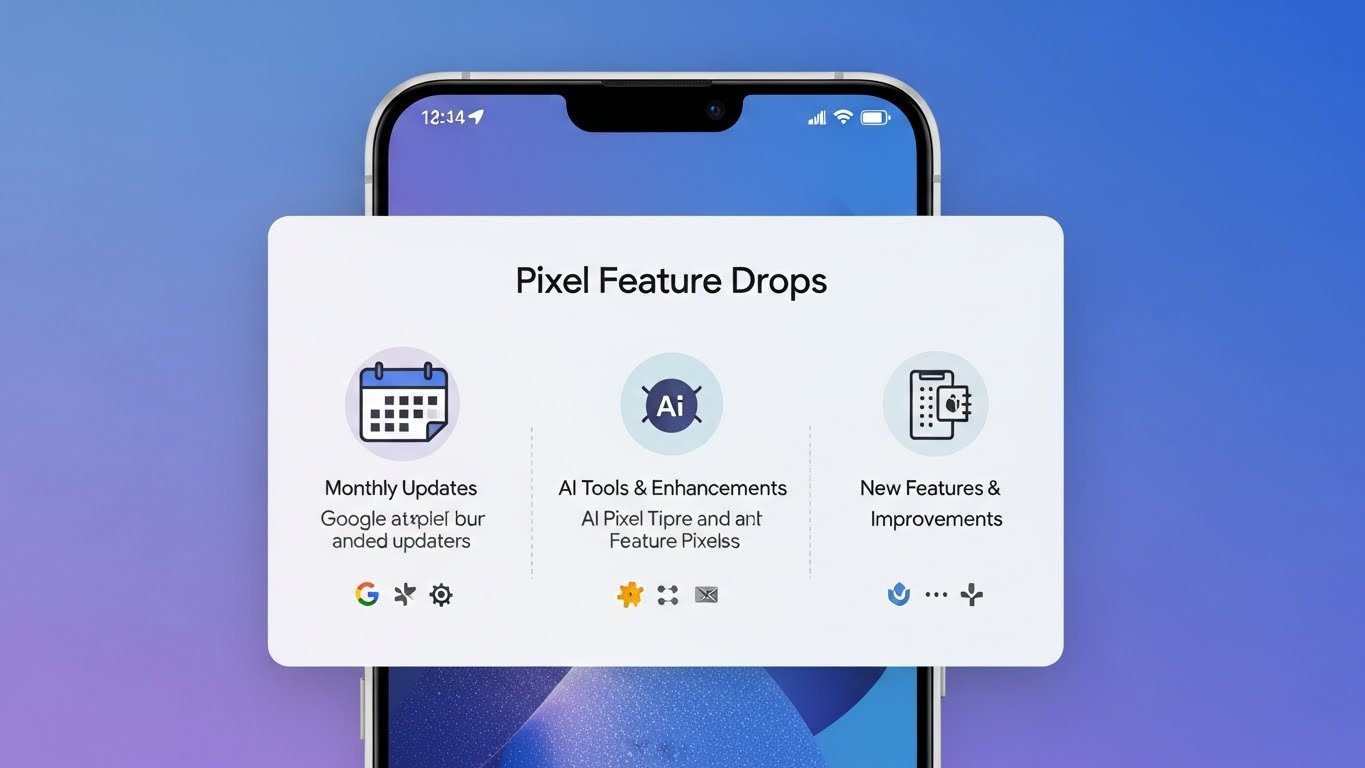
It is easy to confuse the two because they often arrive at the same time, but they serve different purposes.
| Update Type | Frequency | Primary Goal | Example |
|---|---|---|---|
| Security Patch | Monthly (usually 1st Monday) | Safety & Maintenance | Fixing a Wi-Fi vulnerability or patching a lock screen bug. |
| Pixel Feature Drop | Quarterly (Dec, March, June, Sept) | New Capabilities | Adding “Remix” to Messages or enabling VPN on Pixel Tablet.[309][318] |
| Android OS Update | Annually (now late year) | Platform Changes | Moving from Android 15 to Android 16 (new designs, core APIs). |
Quick Tip: You don’t need to do anything special to get Feature Drops. They are bundled into the standard system update you receive in Settings > System > Software Update.
The December 2025 Drop: A Major AI Overhaul
The most recent Feature Drop (December 2025) is one of the largest on record, focusing heavily on integrating Google’s Gemini AI models directly into daily apps like Messages and Phone. Here is what is live right now for Pixel 6 through Pixel 10 users.[309][311]
1. Generative AI in Messaging (“Remix”)
Google Messages now includes a feature called Remix, powered by the “Nano Banana” Gemini model. This allows you to take a photo and use AI to completely reimagine it—changing the style, background, or lighting—directly within a chat thread. Unlike cloud-only tools, much of this processing happens on-device for Pixel 9 and 10 series phones, keeping it fast and private.[313][314]
2. Expressive Captions
Accessibility gets a “human” upgrade. Standard captions just show words, but Expressive Captions now describe the tone and intensity of speech. If a video contains sighing, whispering, or enthusiastic cheering, the captions visually reflect this emotion, adding crucial context for deaf or hard-of-hearing users.[309]
3. Smarter Call Screening
Google’s killer feature, Call Screen, gets smarter with Gemini Nano.
- Contextual Replies: The AI now understands the caller’s request in real-time and suggests specific buttons for you to tap (e.g., “Confirm appointment” or “Ask for delivery code”) rather than generic “Yes/No” options.[309]
- Live Transcripts: You can now watch the conversation between the AI and the caller unfold word-for-word on your lock screen, giving you better context on whether to pick up.[309]
4. Identity Check (Theft Protection)
A crucial security addition is Identity Check. If your phone detects it is in an unfamiliar location (like a street corner you’ve never visited), it will force a biometric check (Face Unlock or Fingerprint) before allowing changes to sensitive settings—like turning off “Find My Device” or changing your PIN. This prevents thieves from locking you out of your own phone even if they snatched it while it was unlocked.[309]
System Enhancements: Beyond AI
Feature Drops also refine the basic utility of the hardware. The December update brought practical tools that don’t rely on AI buzzwords.
Pixel Tablet & Fold Updates
The Pixel Tablet finally received the built-in Google VPN, a feature previously limited to phones. It also gained Lock Screen Widgets, allowing you to see timers, home controls, and weather without unlocking the device—making it a better smart home hub.[309] For the Pixel 9 Pro Fold, “Dual Screen” support expanded to Portrait Mode, letting subjects see themselves on the outer screen while you frame the shot.[309]
Battery and Connectivity
Google introduced a low-power mode for Maps in this cycle, simplifying the navigation interface to save juice during long trips.[314] Additionally, Quick Share (formerly Nearby Share) now supports QR code generation, so you can share files with non-Android users or devices not in your contacts list securely.[309]
What to Expect Next: March 2026 Rumors
With the December drop settled, attention turns to the March 2026 window. Beta code in Android 16 QPR2 suggests Google is working on a flashlight strength slider, allowing users to adjust the intensity of the torch rather than just having a simple on/off toggle.[312] We also expect further expansion of Gemini Live features to older Tensor G4 devices as optimization improves.
How to Check for Feature Drops
- Open Settings.
- Tap System > Software Update.
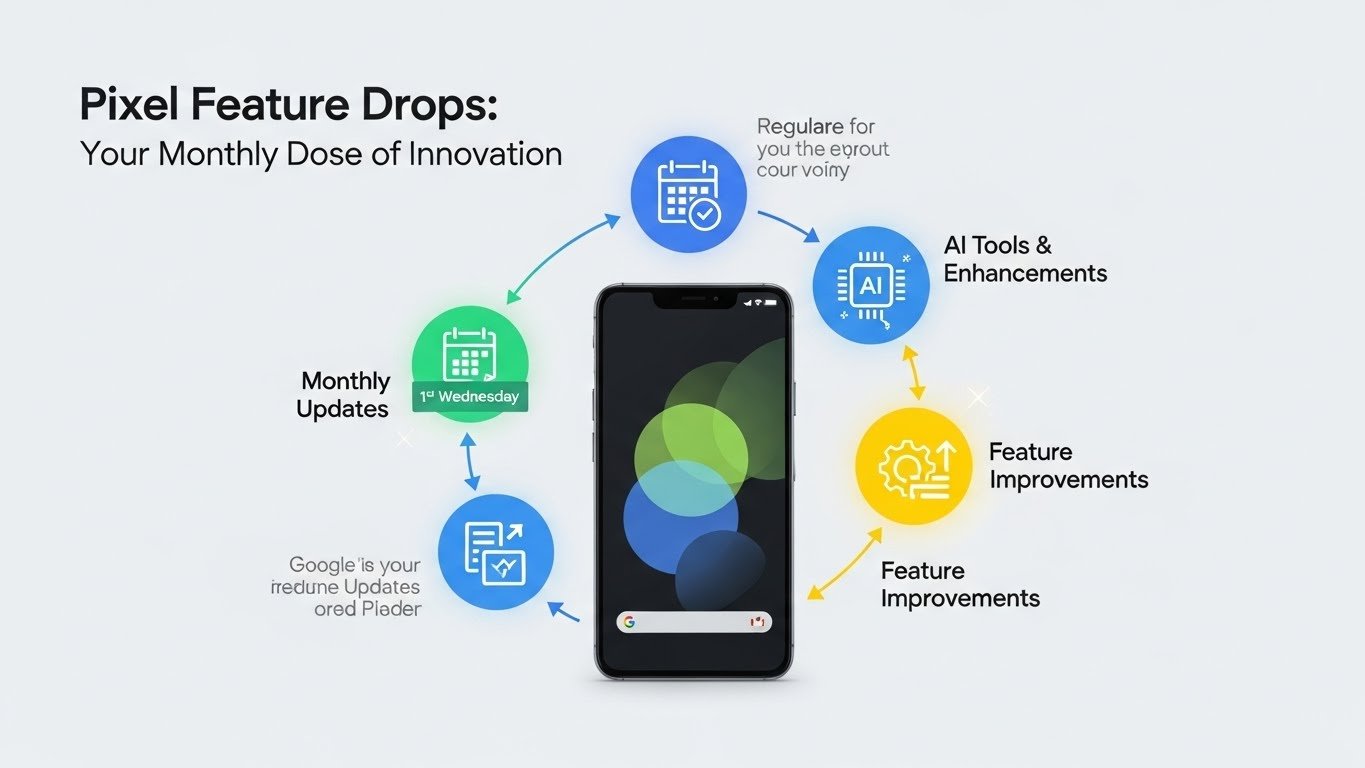
- If a “System Update” is available during a drop month (Dec, Mar, Jun, Sept), it likely contains these features.
- After updating, open the Pixel Tips app to see a guided tour of exactly what changed on your specific model.
Pixel Feature Drops prove that a phone’s value isn’t just about the hardware you buy on day one—it’s about the software it becomes on day five hundred. By decoupling feature releases from major Android OS updates, Google keeps Pixels feeling “new” four times a year.