
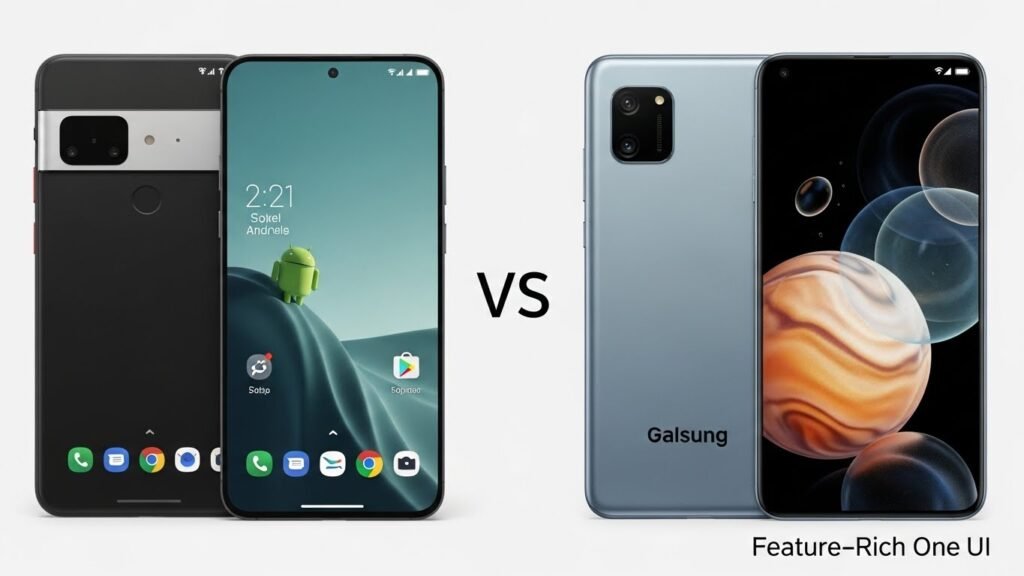
The Great Android Divide: Minimalism vs. Maximalism
In 2026, the choice between a Google Pixel and a Samsung Galaxy is no longer just about hardware specs; it is a choice between two fundamentally different philosophies of computing. Google offers a vision of “Ambient Intelligence”—a phone that gets out of your way, predicts what you need, and offers a clean, opinionated software experience. Samsung offers “Maximalist Utility”—a device designed to be a pocket computer, packed with every conceivable feature, customization option, and tool you might ever need.
This guide breaks down these two approaches, analyzing the software experience, camera philosophy, and ecosystem value of the Pixel 10 series versus the Galaxy S26 lineup. Whether you crave simplicity or total control, this comparison will help you decide which Android vision aligns with your life.
Software Experience: “Stock” Simplicity vs. One UI Power
The Pixel Philosophy: Clean, Fluid, Opinionated
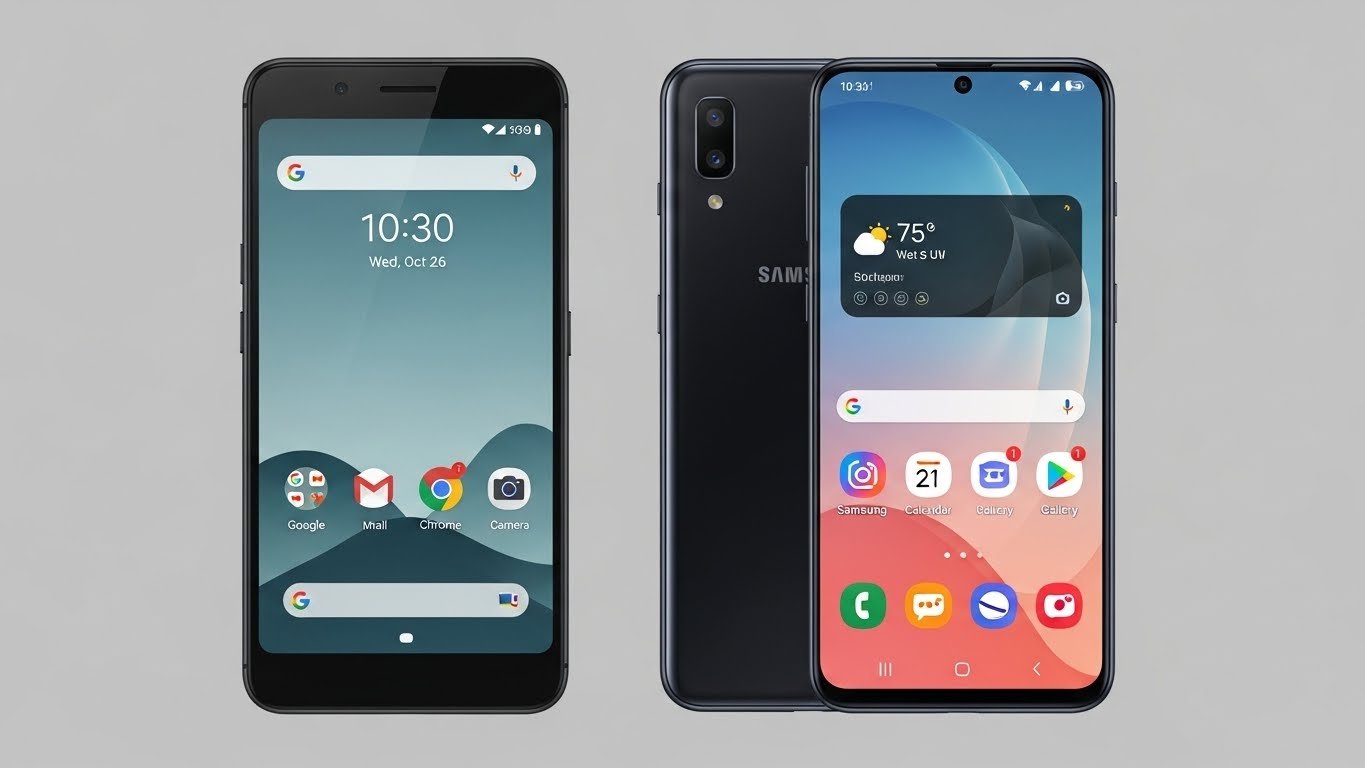
Using a Pixel 10 feels like using a device designed by a software company. The interface is deceptively simple. Google’s version of Android (often called “Pixel UI”) prioritizes fluidity and ease of use over granular control. The “Material You” design language extracts colors from your wallpaper and tints the entire system—icons, menus, and widgets—creating a cohesive, personalized look with zero effort.
The strength of the Pixel experience lies in its lack of friction. There is no bloatware. No duplicate apps are fighting for your attention (e.g., two calendars, two browsers). The settings menu is concise. However, this simplicity comes with a ceiling. If you want to change the shape of your icons or deeply customize your lock screen beyond what Google allows, you often hit a wall. Google’s philosophy is “we know best,” which creates a polished but somewhat rigid experience.
The Samsung Philosophy: One UI 8 and Infinite Customization
Samsung’s One UI 8 is the antithesis of the Pixel’s minimalism. It is built for users who want to be the architects of their own experience. Out of the box, it can feel overwhelming, but its depth is unmatched.
The secret weapon here is Good Lock, a suite of official Samsung modules that lets you customize virtually every pixel of the interface. Want to change the layout of your recent apps menu? You can. Want to force multi-window support on apps that don’t support it? You can. Want to create your own animated wallpaper or change the behavior of your S Pen? You can.
Samsung also excels in multitasking. While Pixel supports split-screen, Samsung’s implementation is desktop-grade. You can save “App Pairs” to launch two apps simultaneously, use pop-up windows that float over other apps, and drag-and-drop content between them with ease. For power users, One UI is a productivity playground that makes “Stock Android” feel limited.
AI and Intelligence: Proactive vs. Reactive
Pixel: The Phone That Answers Itself
Google’s AI dominance is most visible in how the phone handles phone calls, the oldest function of a mobile device. Call Screen remains the single best feature on any smartphone. When an unknown number calls, the Pixel answers it for you. You watch a live transcript on your screen as Google Assistant asks the caller why they are calling. If it’s spam, the phone hangs up silently. If it’s legitimate, you pick up. It changes your relationship with phone calls from anxiety to indifference.
Other “ambient” features include Now Playing, which constantly identifies music playing around you (even offline) and displays it on your lock screen, and At a Glance, a widget that surfaces flight tickets, weather alerts, or doorbell camera feeds exactly when you need them. The Pixel feels proactive; it solves problems before you ask.
Samsung: Galaxy AI and Bixby Utility
Samsung has caught up significantly with Galaxy AI. Features like Live Translate allow for real-time two-way translation of phone calls, a feature that runs on-device and is invaluable for international travelers. Samsung also offers Bixby Text Call, a competitor to Google’s Call Screen. While it allows you to type responses that Bixby reads aloud to the caller, it lacks the automated spam-filtering aggression of Google’s solution. It is a manual tool, whereas Pixel’s Call Screen is an automated shield.
Where Samsung wins is in automation. Modes and Routines (formerly Bixby Routines) is a powerful “If This, Then That” engine built into the OS. You can program your phone to automatically turn on the hotspot when it connects to your car’s Bluetooth, or mute notifications and dim the screen when you arrive at your office GPS location. Pixel has “Rules,” but they are rudimentary by comparison.
Camera Philosophy: Realism vs. Versatility
Pixel: The “Point and Shoot” King
Google’s camera strategy is defined by confidence. The Pixel 10 does not burden you with endless modes or settings. You press the shutter, and the phone uses computational photography to produce a stunning image.
The “Pixel Look” is characterized by high contrast, cool tones, and dramatic shadow retention. It prioritizes realism—sometimes brutally so. Google’s Real Tone technology ensures that skin tones are rendered accurately across diverse lighting conditions, avoiding the washing-out or over-brightening common in other phones. Features like Action Pan and Long Exposure are software magic tricks that make complex photography accessible to novices. If you have a toddler or a pet, the Pixel’s shutter speed capabilities (Face Unblur) make it the superior choice for capturing moving subjects.
Samsung: The Creative Toolkit
Samsung approaches the camera as a creative instrument. The Galaxy S26 Ultra’s hardware is intimidatingly powerful, often featuring a 200MP main sensor and two dedicated telephoto lenses (3x and 5x or 10x). This optical versatility means you can capture crisp photos at 10x, 30x, or even 100x magnification (“Space Zoom”) that a Pixel simply cannot physically match.
The “Samsung Look” tends to be brighter, warmer, and more saturated. Blue skies look bluer; food looks tastier. While purists argue this isn’t “accurate,” it is often more pleasing to the eye for social media. Samsung also offers a robust Pro Mode for both photos and video, giving enthusiasts control over ISO, shutter speed, and focus peaking—options that Google hides or omits entirely on non-Pro models. If you want to take a photo of the moon or film an 8K video, you get a Galaxy.
Productivity: Desktop Mode vs. DeX
Samsung DeX: The Mature Desktop
Samsung DeX (Desktop Experience) is the gold standard for mobile productivity. Connect your Galaxy S26 to a monitor (wirelessly or via HDMI), and the phone interface transforms into a Windows-like desktop environment. You get a taskbar, windowed apps, right-click functionality, and full keyboard/mouse support.
For students or mobile professionals, DeX can legitimately replace a laptop for email, writing, and web browsing. It is a mature, polished technology that Samsung has refined for nearly a decade.
Pixel Desktop Mode: The Newcomer
With Android 16 on the Pixel 10, Google has finally introduced a native Desktop Mode. While it allows for windowed apps and better external display support than before, it is still catching up to DeX. It feels like a feature in development rather than a finished product. It lacks the polish, peripheral compatibility, and specific app optimizations that make DeX a daily driver for many users.
Hardware and Design: Friendly vs. Industrial
Pixel: Soft and Human
Google’s hardware design language is often described as “friendly.” The Pixel series uses soft curves, matte glass, and the distinctive “Camera Bar” visor that makes the phone stable on a table. It stands out visually. The screens are excellent (“Actua” displays are exceptionally bright), but Google often trails Samsung slightly in using the absolute latest cutting-edge components, such as ultrasonic fingerprint sensors (though they have improved) or the fastest storage speeds.
Galaxy: Industrial Perfection
Samsung’s hardware is jewelry. The S26 series typically features sharper lines (especially the Ultra model), uniform bezels, and the absolute highest grade of materials. Samsung manufactures its own displays, meaning Galaxy phones essentially always have the best screens in the industry—brighter, more colorful, and efficient.
The Galaxy S26 Ultra also retains a unique hardware feature: the S Pen. This integrated stylus is unmatched for signing documents, sketching, or precision photo editing. If you are an artist or a note-taker, the debate ends here; the Pixel has no equivalent.
Verdict: Which One is For You?
Buy the Google Pixel if:
- You value simplicity: You want a phone that works perfectly out of the box without needing setup or customization.
- You hate spam calls: Call Screen is a life-changing feature that you will miss instantly if you switch away.
- You photograph moving subjects: Parents and pet owners benefit most from Google’s shutter lag reduction and Face Unblur.
- You want the “smartest” phone: You prefer software features that anticipate your needs over raw hardware power.
Buy the Samsung Galaxy if:
- You are a power user: You want to customize every aspect of your phone, from the lock screen clock to the animation speed.
- You need versatile hardware: You want the best zoom, the brightest screen, and the fastest processor available.
- You are a multitasker: DeX and robust split-screen tools make the Galaxy a better pocket computer.
- You want reliability: Samsung’s hardware quality control and customer service network are generally superior to Google’s.